Install GitLab CE on CentOS7


Using an external Nginx installation
Step 1
- Install gitlab-ce using the tutorial on this page
Step 2
Edit /etc/gitlab/gitlab.rb to disable the built-in NGINX and Unicorn
# Define the external url
external_url 'http://git.yourdomain.com'

# Disable the built-in nginx
nginx['enable'] = false

# Disable the built-in unicorn
unicorn['enable'] = false

# Make changes effective
sudo gitlab-ctl reconfigure

# Restart all GitLab components
sudo gitlab-ctl restart
Step 3
Install Passenger + Nginx
Enable EPEL
sudo yum install -y epel-release yum-utils
sudo yum-config-manager --enable epel
sudo yum clean all && sudo yum update -y
Repair potential system issues
sudo date
# if the output of date is wrong, please follow these instructions to install ntp
sudo yum install -y ntp
sudo chkconfig ntpd on
sudo ntpdate pool.ntp.org
sudo service ntpd start
Install Passenger packages
# Install various prerequisites
sudo yum install -y pygpgme curl

# Add our el7 YUM repository
sudo curl --fail -sSLo /etc/yum.repos.d/passenger.repo https://oss-binaries.phusionpassenger.com/yum/definitions/el-passenger.repo

# Install Passenger Nginx
sudo yum install -y nginx passenger || sudo yum-config-manager --enable cr && sudo yum install -y nginx passenger
Step 4
- Read this documentation and create
Nginxsite file
Add 8080 port listening for your site
server {
  ...
  # This port is used to listen for incoming requests from gitlab-shell
  # please check the port specified by gitlab_url in the /opt/gitlab/embedded/service/gitlab-shell/config.yml file
  # default port 8080
  listen 8080;
  ...
}
then you can launch the site using sudo service nginx start
Unexpected
- If you get
[emerg] unknown directive "passenger_root"or[emerg] unknown directive "passenger_ruby"error, then your Nginx is not from Phusion's YUM repository. The Passenger package has Passenger compiled with Nginx as a module, while the other package does not. You can usesudo yum remove nginx passengerto uninstallnginx/passengerand repeat step 3 fix that. gitlab-shell self-check failedand the detail isFailed to connect to internal API, is because you stoppedUnicornand replaced it with externalNginx, modify the port pointed bygitlab_urlin the/opt/gitlab/embedded/service/gitlab-shell/config.ymlfile to the listening port of yourNginx, or add a listening port forNginxto fix.
If you first setting root user password and get 10 errors prohibited this user from being saved, maybe you enabled smtp.
# Disable SMTP
gitlab_rails['smtp_enable'] = false

# Make changes effective
sudo gitlab-ctl reconfigure

# Restart all GitLab components
sudo gitlab-ctl restart
If your page looks like this
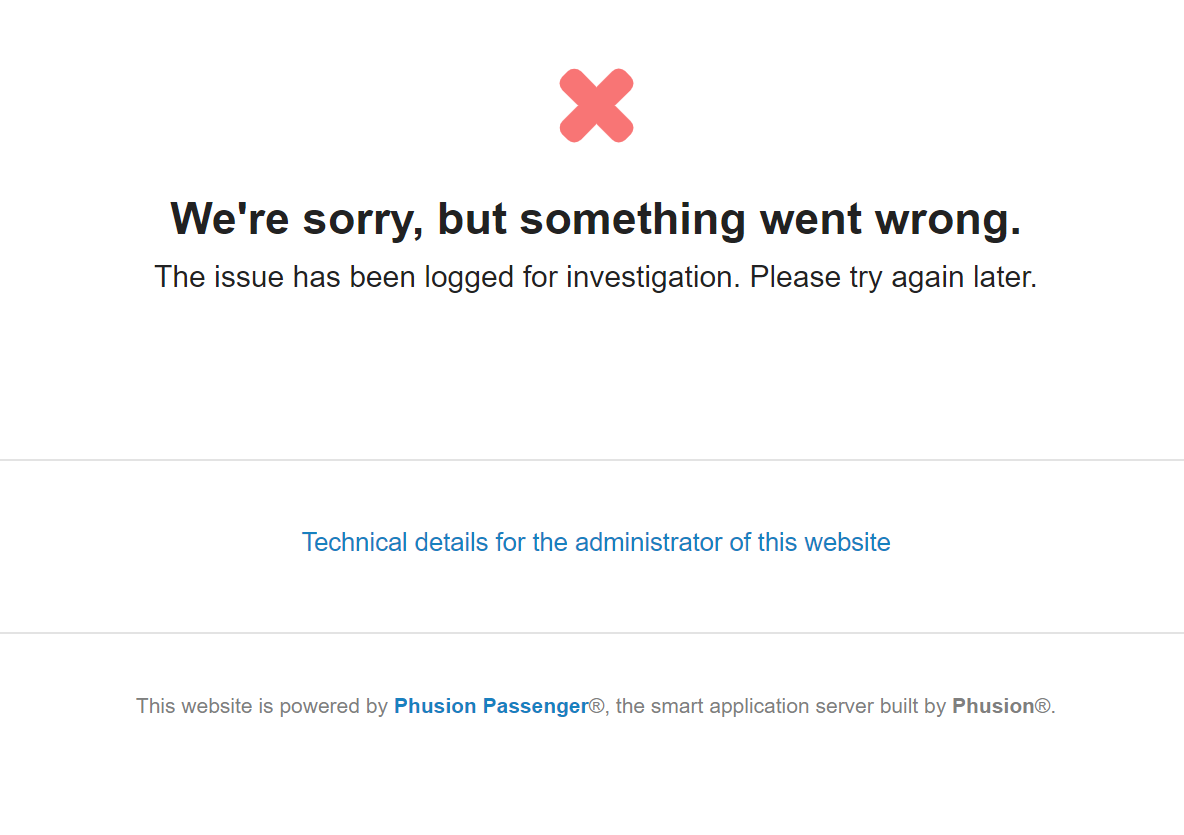
Use tail -f /var/log/nginx/error.log view error log, if it is Could not find a JavaScript runtime error, use sudo yum install nodejs fix that.